A few good computer accessories can make a laptop or desktop setup feel cleaner, faster, and more comfortable every day. For this guide, I focused on practical Amazon US picks for home offices, school desks, hybrid work, and compact laptop setups: a better keyboard, an ergonomic mouse, a webcam, a USB-C hub, and two laptop stand options.
Quick Picks
| Pick | Best for | Amazon rating |
|---|---|---|
| #1 Logitech MX Keys S Wireless Keyboard | Quiet typing, spreadsheets, writing, and multi-device work | 4.6 / 5 |
| #2 Logitech MX Master 3S Wireless Mouse | Comfort, scrolling, and long workdays | 4.6 / 5 |
| #3 Logitech C920x HD Pro Webcam | Zoom calls, remote classes, and work meetings | 4.6 / 5 |
| #4 Anker 5-in-1 USB-C Hub | Adding HDMI and USB ports to thin laptops | 4.5 / 5 |
| #5 Amazon Basics Adjustable Laptop Stand | Permanent desk setups and better screen height | 4.7 / 5 |
| #6 ivoler Foldable Laptop Stand | Travel, students, and small workspaces | 4.6 / 5 |
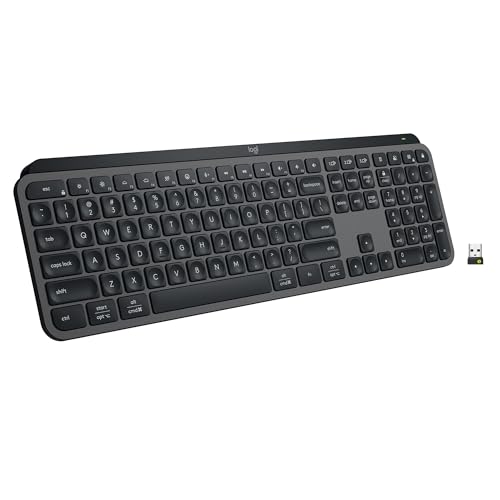
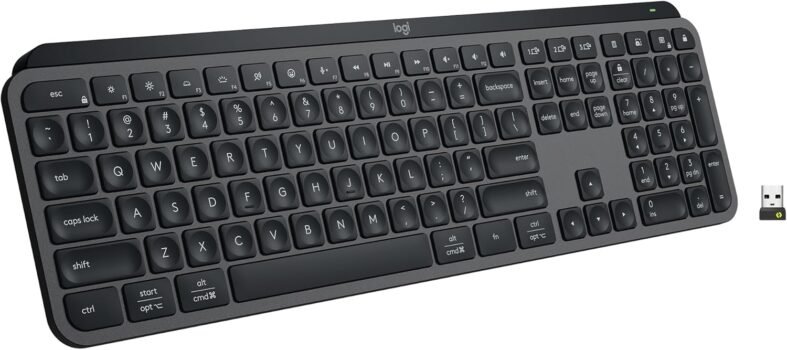
Logitech MX Keys S Wireless Keyboard
4.6 / 5 Amazon rating
The Logitech MX Keys S is the keyboard upgrade that makes the biggest difference for people who type all day. It has a low-profile layout, quiet keys, backlighting, and multi-device support that works well for laptop-plus-monitor desk setups.
Best for: Home offices, writers, spreadsheet users, students, and anyone switching between multiple computers.
Pros
- Quiet and comfortable low-profile typing
- Backlighting helps in darker rooms
- Works well with Windows, Mac, and Chrome setups
Cons
- More expensive than basic wireless keyboards
- Not ideal for users who prefer mechanical switches
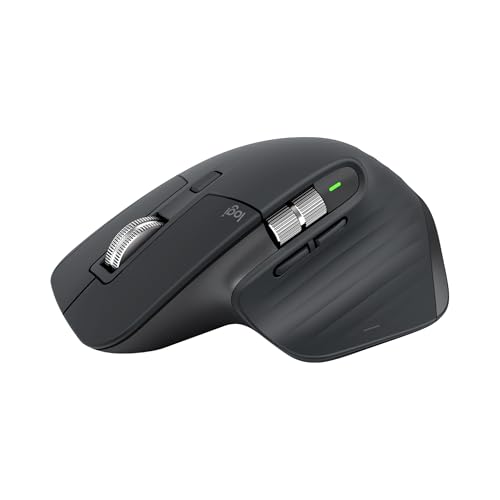
Logitech MX Master 3S Wireless Mouse
4.6 / 5 Amazon rating
The MX Master 3S is a strong everyday mouse for people who live in documents, tabs, timelines, and spreadsheets. The sculpted shape, quiet clicks, side wheel, and fast scrolling make it feel like a real desk tool rather than a throwaway accessory.
Best for: Office work, creative apps, heavy browsing, and users who want a more comfortable mouse.
Pros
- Comfortable ergonomic shape
- Fast scroll wheel saves time on long pages
- Quiet clicks are good for shared spaces
Cons
- Right-handed design will not suit everyone
- Overkill for very casual use
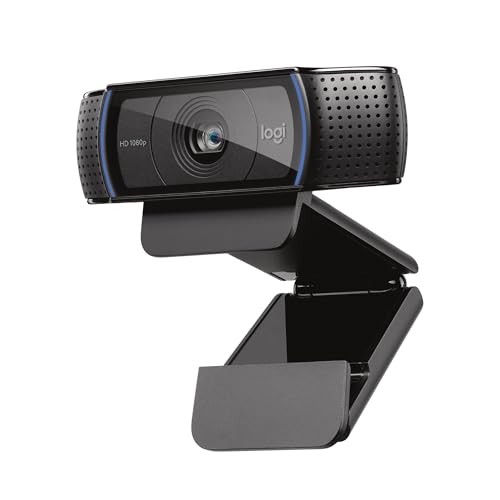
Logitech C920x HD Pro Webcam
4.6 / 5 Amazon rating
The Logitech C920x is an easy upgrade if your laptop camera looks soft or your desktop monitor has no camera at all. It is a straightforward 1080p webcam for meetings, online classes, interviews, and everyday video calls.
Best for: Remote work, online classes, video meetings, and desktops without built-in cameras.
Pros
- Reliable 1080p image for work calls
- Easy to mount on most monitors
- Works with common meeting apps
Cons
- Room lighting still matters
- Not as sharp as premium 4K webcams
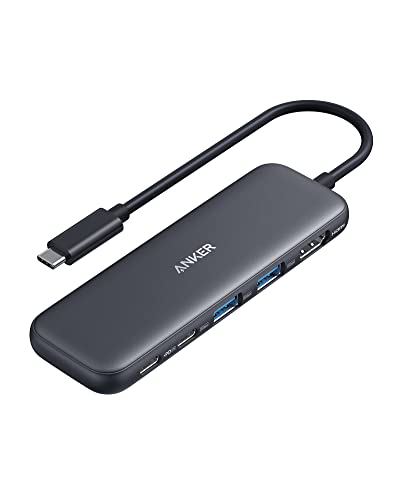
Anker 5-in-1 USB-C Hub
4.5 / 5 Amazon rating
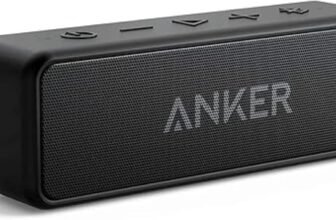
The Anker 5-in-1 hub is a practical fix for modern laptops with too few ports. It adds HDMI and USB connections in a compact body, which is useful for monitors, flash drives, keyboards, mice, and quick desk docking.
Best for: MacBook, Chromebook, Windows laptop, and travel desk setups that need extra ports.
Pros
- Compact and easy to carry
- Adds common display and USB ports
- Good everyday option from Anker
Cons
- Not as complete as a full docking station
- Check port needs before buying
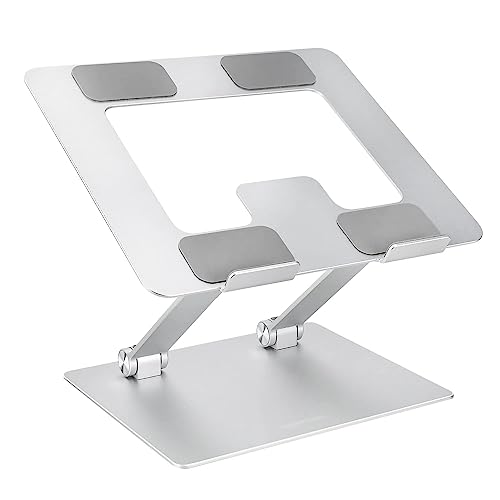
Amazon Basics Adjustable Laptop Stand
4.7 / 5 Amazon rating
The Amazon Basics adjustable laptop stand helps turn a laptop into a cleaner desk workstation. Raising the screen makes it easier to sit upright, and the ventilated design is useful when your laptop spends hours connected to a monitor, keyboard, and mouse.
Best for: Permanent desks, external keyboard users, and anyone trying to improve laptop ergonomics.
Pros
- Raises the screen closer to eye level
- Adjustable and foldable design
- Ventilated shape helps airflow
Cons
- Works best with external keyboard and mouse
- Less pocketable than tiny travel stands
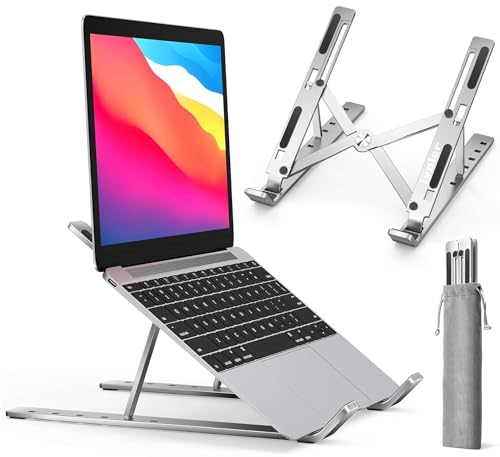
ivoler Foldable Portable Laptop Stand
4.6 / 5 Amazon rating
The ivoler stand is the better pick if you move between a desk, classroom, office, and coffee shop. It folds down small, offers multiple angles, and can make temporary laptop work feel less cramped.
Best for: Students, hybrid workers, travel bags, and compact laptop setups.
Pros
- Portable folding design
- Multiple angle settings
- Good for travel and small desks
Cons
- Not as solid as a heavier desk stand
- Small adjustment points may feel fiddly
What to Look For in Computer Accessories
Fix the most annoying part of your setup first. If typing feels cramped, start with a better keyboard. If your laptop has too few ports, a USB-C hub is the higher-impact upgrade.
Think about desk space. A full keyboard and ergonomic mouse are excellent on a real desk, but smaller accessories make more sense for backpacks and dorm rooms.
Match accessories to your laptop ports. USB-C hubs vary, so check whether you need HDMI, USB-A, USB-C data, charging passthrough, Ethernet, or card slots.
Laptop stands work best with external input devices. Raising the screen helps posture, but typing on a raised laptop is awkward. Pair a stand with a keyboard and mouse when possible.
Video quality is more than the camera. A webcam helps, but front-facing light and a stable monitor mount can make calls look much better.
Final Verdict
For most desk setups, the Logitech MX Keys S and Logitech MX Master 3S are the most noticeable daily upgrades. Laptop users should add the Anker 5-in-1 USB-C Hub and one of the stands to create a cleaner workstation. For meetings and online classes, the Logitech C920x remains the easiest webcam pick.
Disclosure: As an Amazon Associate, SmartPicksScout may earn from qualifying purchases. Product availability, prices, ratings, and images can change on Amazon.